Alpha Controls - BMS Install Specialists
ResourcesAboutProjectsContact
info@alphacontrols.io01474 552200
Get a Quote
Alpha Controls

Professional Building Energy Management Systems installation and electrical engineering services across the UK.

Quick Links

  • About Us
  • Projects
  • Resources
  • Blog
  • Contact
  • Careers

Services

  • BMS Installation
  • Controls Systems
  • Electrical Services
  • Maintenance

Contact

  • 01700 800121

    Emergency FM & BMS Advice

  • 01474 552200
  • info@alphacontrols.io
  • Gravesend, Kent
    United Kingdom

© 2026 Alpha Controls LDN. All rights reserved.

SafeContractor ApprovedBCIA MemberConstructionLine Gold
How to Wire BMS Run, Fault & Hand-Off-Auto Lighting / Switch Circuits
Back to Blog
BMS Technical

How to Wire BMS Run, Fault & Hand-Off-Auto Lighting / Switch Circuits

15 January 2025
14
By Alpha Controls Team

Introduction to Run, Fault & Hand-Off-Auto Circuits

Building Management Systems (BMS) control mechanical plant equipment like AHUs, FCUs, and pumps. Understanding how to wire run indication, fault monitoring, and Hand-Off-Auto (HOA) switching is essential for reliable operation and effective troubleshooting.

1. Run Indication Circuits

Run indication tells the BMS that a piece of equipment (e.g., a fan or pump) is actually running, not just commanded to run. This is typically done using:

  • Current Switch: Detects current flow in the motor circuit
  • Auxiliary Contact: Wired from the contactor to provide a volt-free signal
  • Pressure Switch: For pumps, detects system pressure when running

Wiring Example (Auxiliary Contact)

The contactor auxiliary contact (normally open) is wired to a digital input on the BMS controller. When the motor runs, the contact closes, signaling the BMS.

2. Fault Indication Circuits

Fault circuits alert the BMS to issues such as motor overload, thermal trips, or loss of supply. Common fault monitoring methods include:

  • Overload Relay Auxiliary Contact: Signals when the motor has tripped on overload
  • Thermal Switch: Monitors motor winding temperature
  • Control Circuit Fuse Monitoring: Detects loss of control voltage

Wiring Example (Overload Relay)

The overload relay's normally closed auxiliary contact is wired to a digital input. If the motor trips, the contact opens, triggering a fault alarm in the BMS.

3. Hand-Off-Auto (HOA) Switching

HOA switches allow operators to manually control equipment or place it under BMS automatic control:

  • Hand (Manual On): Equipment runs continuously, bypassing BMS control
  • Off: Equipment is disabled regardless of BMS commands
  • Auto: Equipment operates under BMS control

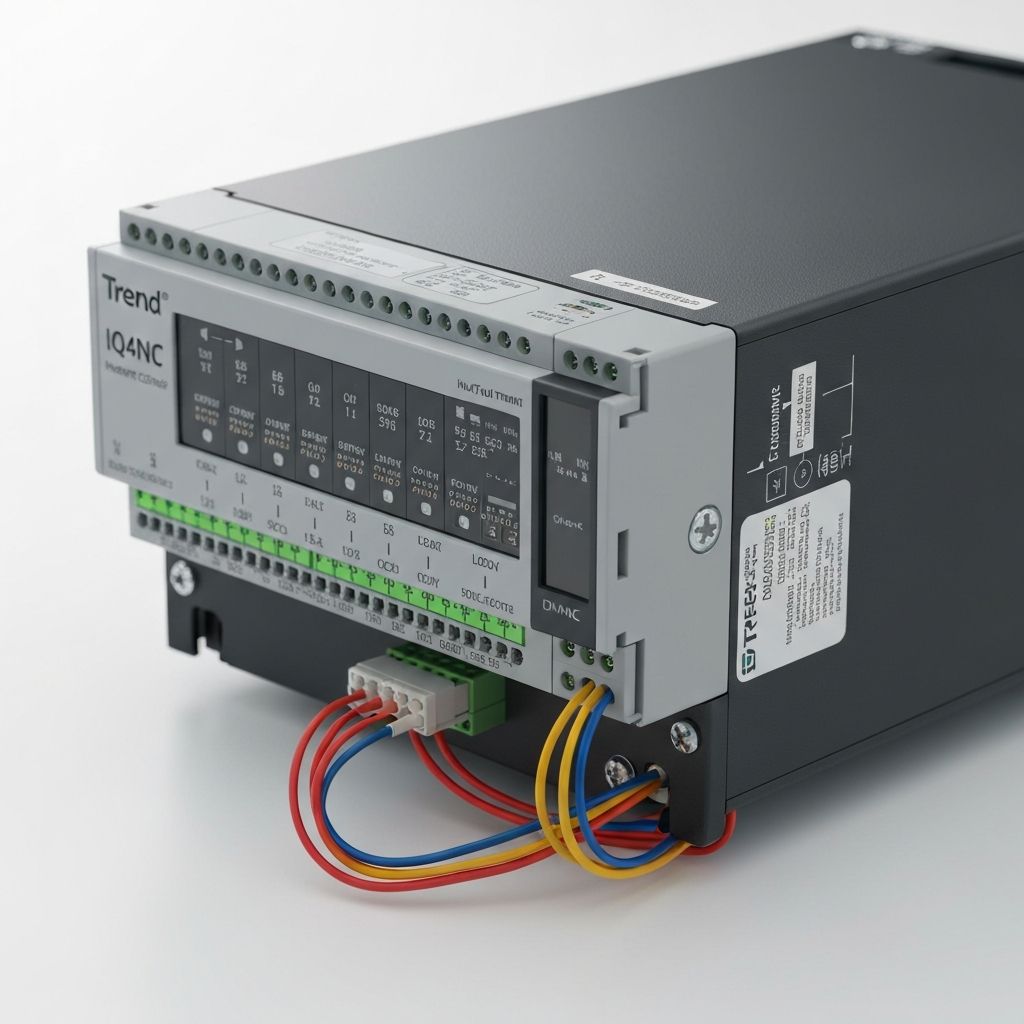
Wiring HOA with Trend IQ4 Controllers

For a typical AHU fan:

  1. Wire the HOA switch common terminal to the BMS digital output
  2. Wire the "Hand" position to energize the contactor directly
  3. Wire the "Auto" position to pass BMS control through to the contactor
  4. Wire the "Off" position to de-energize the contactor

Best Practices

  • Always use properly rated contactors and overload relays
  • Label all terminals clearly in the control panel
  • Use ferrules on all wiring terminations
  • Test run, fault, and HOA operation before commissioning
  • Document all wiring in as-built drawings

Common Mistakes

  • BMS DO powering plant directly
  • No HOA status back to BMS
  • Fault wired N/O (no fail-safe)
  • Mixed ELV/230V in same trunking without segregation
  • No isolation for BMS control circuits
  • No earthing on shielded cables
  • Zero slack / bad routing / poor labelling

Troubleshooting Common Issues

Issue Possible Cause Solution
BMS shows "Run" but motor not running Auxiliary contact wired incorrectly Verify auxiliary contact is from contactor, not overload
Fault indication always active Normally closed contact wired as normally open Check overload relay contact configuration
HOA switch has no effect Incorrect wiring sequence Verify HOA switch wiring diagram matches panel design

Need help designing or troubleshooting BMS control panels? Contact Alpha Controls for expert assistance.

Recommended Articles

CTs vs CSs in BMS Systems: Current Transformers vs Current Switches
BMS Technical

CTs vs CSs in BMS Systems: Current Transformers vs Current Switches

Understand the difference between current transformers and current switches in BMS systems, including use cases, layouts, and best practice for specification.

10
29 Jan 2026
Why Modern Buildings Are Sealed and Why AHUs Are Essential for Fresh Air
BMS Technical

Why Modern Buildings Are Sealed and Why AHUs Are Essential for Fresh Air

Discover why modern high-rise commercial buildings have sealed facades with non-opening windows, and why Air Handling Units (AHUs) are now the only source of fresh air. Learn about energy efficiency, safety regulations, air quality compliance, and the critical relationship between AHUs and FCUs.

14
8 Feb 2025
How to Integrate Old Belimo VAV Actuators with Trend IQ412 Controllers: A Complete Guide by Alpha Controls
BMS Technical

How to Integrate Old Belimo VAV Actuators with Trend IQ412 Controllers: A Complete Guide by Alpha Controls

Learn how to integrate legacy Belimo VAV actuators with modern Trend IQ412 controllers and wire TROX VAV controllers using BACnet MS/TP. Complete wiring guide for BMS upgrades.

15
7 Feb 2025
Inputs vs Outputs on BMS Devices: Understanding I/O on Trend IQ4NC & IQ ECO 412 Controllers
BMS Technical

Inputs vs Outputs on BMS Devices: Understanding I/O on Trend IQ4NC & IQ ECO 412 Controllers

A comprehensive guide to understanding inputs and outputs on Building Management System devices, with detailed focus on Trend IQ4NC and IQ ECO 412 controllers. Learn the difference between digital and analog I/O, sensor wiring, and troubleshooting common issues.

18
2 Feb 2025
When to Use End-of-Line Resistors in BMS Systems (and Why VAV Controllers Use Resistors)
BMS Technical

When to Use End-of-Line Resistors in BMS Systems (and Why VAV Controllers Use Resistors)

Understanding EOL resistors, signal termination, and practical BMS applications. Learn when BMS systems use end-of-line resistors, why VAV controllers need them, how supervised inputs work, and when to terminate BACnet MS/TP networks.

12
30 Jan 2025
What is BACnet? A Practical Guide to the Open-Protocol Standard for BMS Networks
BMS Technical

What is BACnet? A Practical Guide to the Open-Protocol Standard for BMS Networks

Learn what BACnet is, how it works, and why it's the leading open-protocol standard for building management systems. A practical guide covering BACnet/IP, MS/TP, implementation, and real-world applications.

11
30 Jan 2025

Need Expert Advice?

Our team of building automation specialists is ready to help you optimise your building's performance and efficiency.

Get in Touch