Introduction
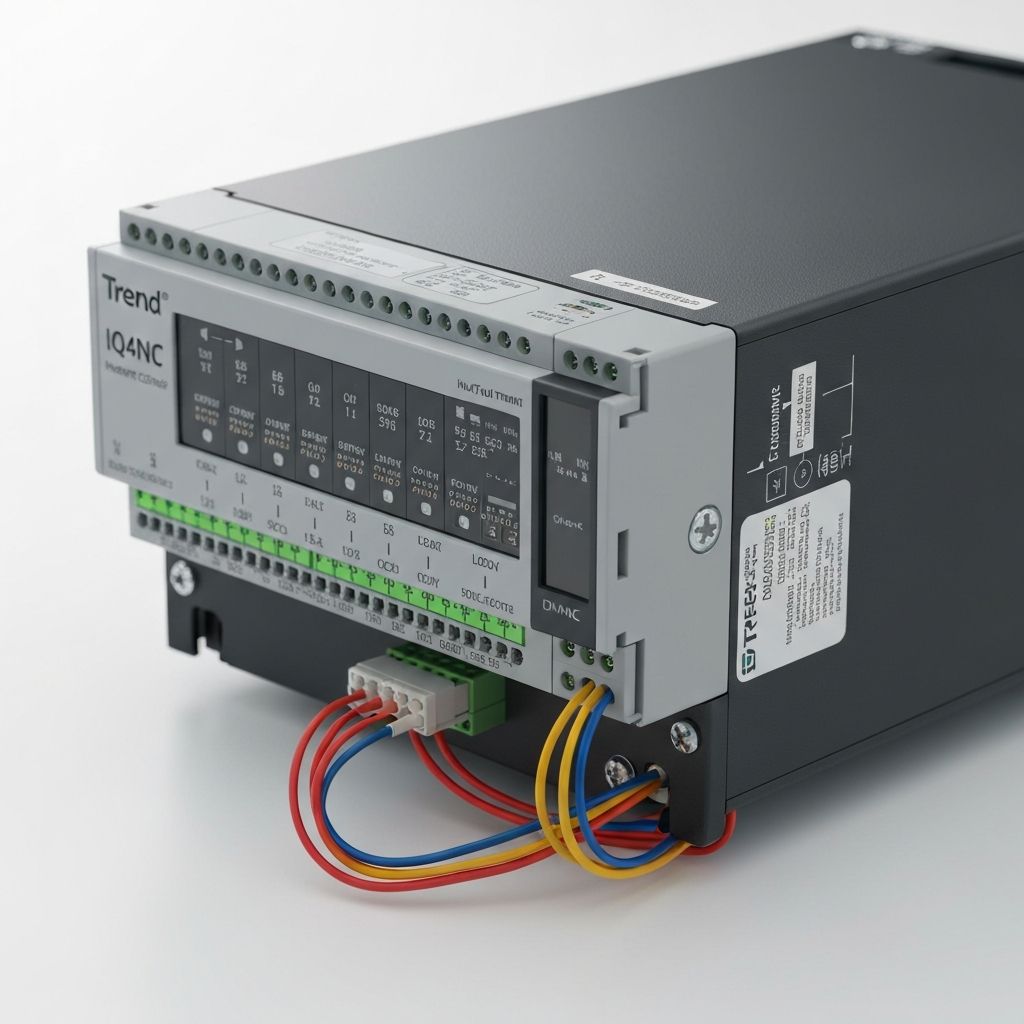
Integrating legacy Variable Air Volume (VAV) systems with modern Building Management Systems (BMS) is a common challenge in building retrofits. This guide covers how to connect old Belimo VAV actuators (0-10V control) to Trend IQ412 controllers and how to wire TROX BACnet VAV controllers using MS/TP.
Scenario 1: Integrating Old Belimo VAV Actuators with Trend IQ412
System Overview
Older Belimo VAV actuators typically use 0-10V analog control for damper positioning. The Trend IQ412 controller can provide this analog output, allowing seamless integration without replacing the actuators.
Components Required
- Trend IQ412 Controller: BACnet/IP or MS/TP controller with analog outputs
- Belimo VAV Actuator: 0-10V or 2-10V modulating actuator (e.g., Belimo LMB24, SM series)
- Room Temperature Sensor: 0-10V or 4-20mA output (connected to IQ412)
- Pressure Sensor (Optional): For measuring duct static pressure
- Power Supply: 24VAC for actuator and controller
Wiring Diagram
Power Connections:
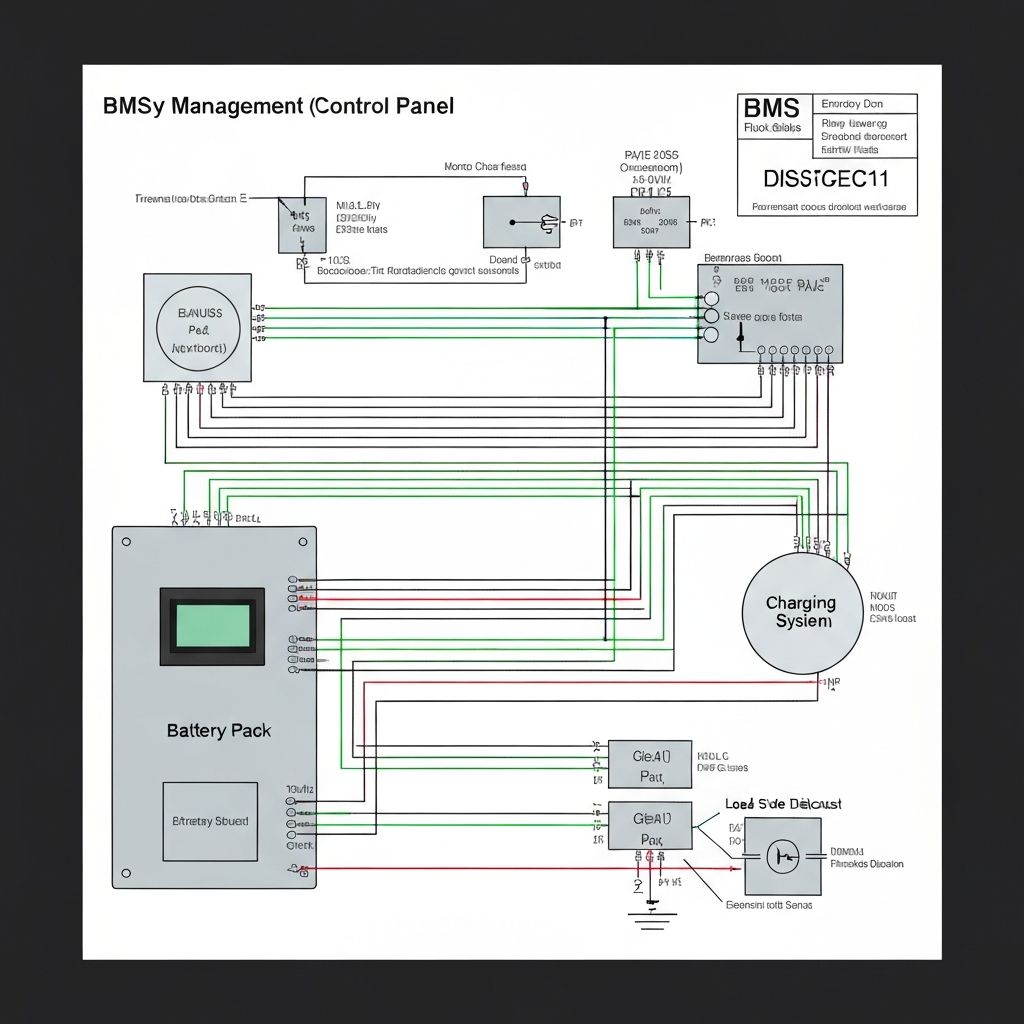
- 24VAC supply → Trend IQ412 power terminals
- 24VAC supply → Belimo actuator power terminals (typically terminals 1 & 2)
Control Signal:
- IQ412 Analog Output (AO1) → Belimo actuator control input (typically terminal 3)
- IQ412 Common (COM) → Belimo actuator common (typically terminal 4)
Feedback Signal (if available):
- Belimo actuator position feedback output (0-10V) → IQ412 Analog Input (AI1)
- Actuator common → IQ412 Common
Room Temperature Sensor:
- Sensor signal output → IQ412 Analog Input (AI2)
- Sensor common → IQ412 Common
Programming the Trend IQ412
- Configure Analog Output (AO1): Set output range to 0-10V to match Belimo actuator input
- Configure Analog Input (AI1): If using feedback, set input range to 0-10V and scale to 0-100% damper position
- Configure Analog Input (AI2): Set input range for room temperature sensor (e.g., 0-10V = 0-50°C)
- Create Control Logic: Program a PID loop to modulate AO1 based on room temperature setpoint
- Test Operation: Manually adjust setpoint and verify damper responds correctly
Advantages of Retrofitting vs. Replacing
| Approach |
Cost |
Downtime |
When to Use |
| Retrofit (keep Belimo actuators) |
Low |
Minimal |
Actuators functional, budget constrained |
| Replace with TROX BACnet VAV |
Moderate to High |
Moderate |
Full system upgrade, BACnet native control desired |
Scenario 2: Wiring TROX BACnet VAV Controllers with Trend IQ412
System Overview
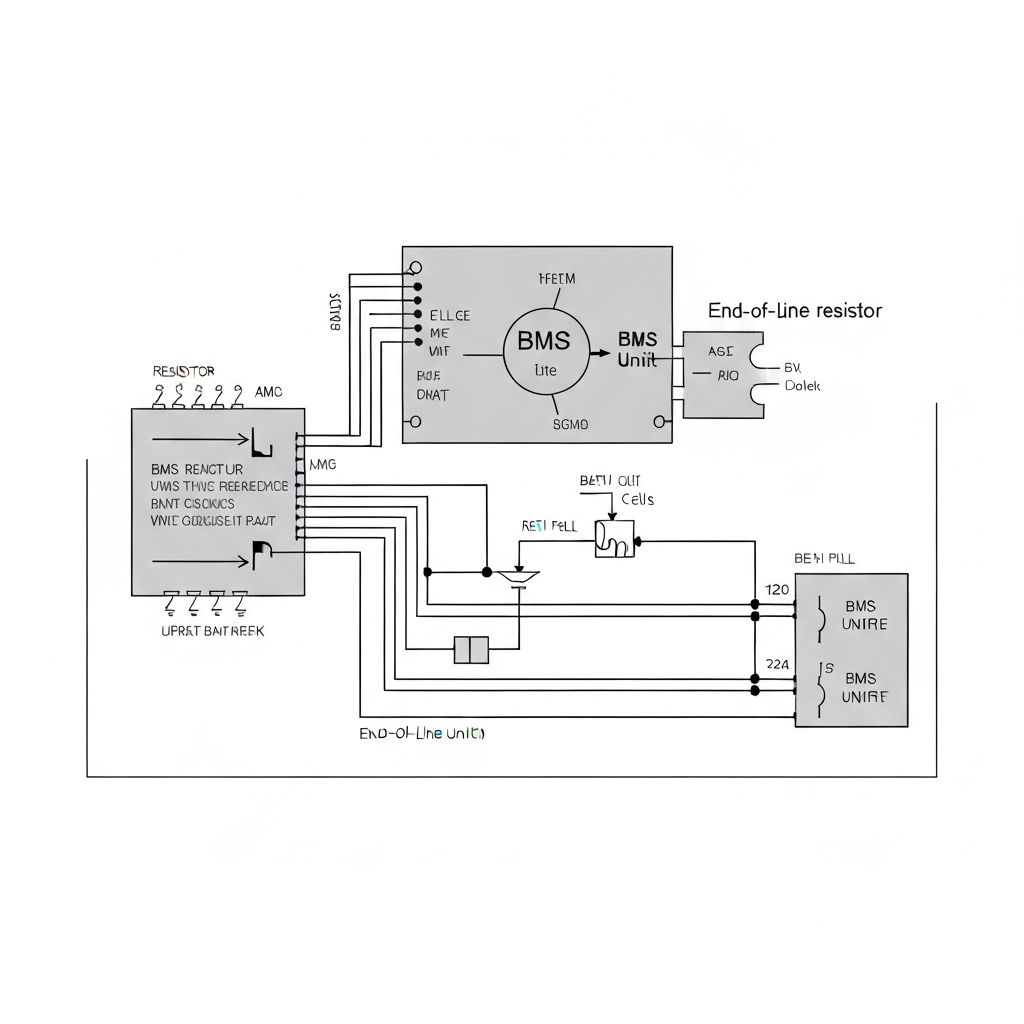
TROX BACnet VAV controllers communicate via BACnet MS/TP (RS-485), allowing direct integration with Trend IQ412 controllers over a two-wire network. This eliminates the need for analog wiring and provides richer data exchange.
Components Required
- Trend IQ412 Controller: With BACnet MS/TP support
- TROX BACnet VAV Controller: (e.g., TROX TVR series)
- BACnet MS/TP Network: Twisted-pair cable (Cat5e or better)
- Termination Resistors: 120Ω at each end of the MS/TP trunk
Wiring Diagram (BACnet MS/TP)
RS-485 Trunk:
- IQ412 MS/TP A → TROX VAV A (RS-485+)
- IQ412 MS/TP B → TROX VAV B (RS-485−)
- Install 120Ω termination resistor at first device (IQ412) between A and B
- Install 120Ω termination resistor at last device (TROX VAV) between A and B
Power:
- 24VAC supply → TROX VAV power terminals
- 24VAC supply → IQ412 power terminals
Network Configuration
- Assign BACnet Device Instance Numbers: Each device on the MS/TP network must have a unique device instance (e.g., IQ412 = 100, TROX VAV 1 = 101, TROX VAV 2 = 102)
- Set MS/TP MAC Addresses: Each device also needs a unique MS/TP address (0-127), typically sequential
- Configure Baud Rate: Common baud rate is 38400 or 76800 bps (must match on all devices)
- Test Communication: Use Trend IQ Vision or BACnet browser to discover TROX devices on the network
Advantages of TROX BACnet VAV
- Native BACnet Integration: No analog wiring—all control via network
- Rich Data Exchange: Access to damper position, airflow, temperature, and diagnostics
- Scalability: Easily add more VAV controllers to the MS/TP trunk
- Reduced Wiring: Single twisted-pair cable for multiple devices
Comparison: Belimo Analog vs. TROX BACnet VAV
| Feature |
Belimo (0-10V Analog) |
TROX BACnet MS/TP |
| Control Method |
Analog voltage (0-10V) |
BACnet network (digital) |
| Wiring Complexity |
Moderate (analog + power) |
Low (single twisted-pair) |
| Data Available |
Position feedback only |
Full diagnostics (airflow, temp, etc.) |
| Cost |
Lower (retrofit existing) |
Higher (new controllers) |
| Best Use Case |
Retrofitting functional systems |
New installations or full upgrades |
Troubleshooting Common Issues
Belimo Actuator Not Responding
- Check 24VAC power supply
- Verify 0-10V signal is present at actuator terminals (use multimeter)
- Ensure IQ412 analog output is configured correctly (0-10V range)
- Test actuator manually (apply 5V—damper should move to 50%)
TROX BACnet Device Not Discovered
- Verify RS-485 A and B wiring is correct (not reversed)
- Check that termination resistors (120Ω) are installed at both ends
- Confirm baud rate matches on all devices
- Check for duplicate device instance numbers or MS/TP addresses
Conclusion
Whether you're retrofitting existing Belimo VAV actuators or upgrading to TROX BACnet controllers, proper wiring and configuration ensure reliable, efficient operation. Analog integration is cost-effective for functional systems, while BACnet MS/TP offers superior data exchange and scalability for modern BMS networks.
Need help with VAV integration or BMS upgrades? Contact Alpha Controls for expert support and commissioning services.